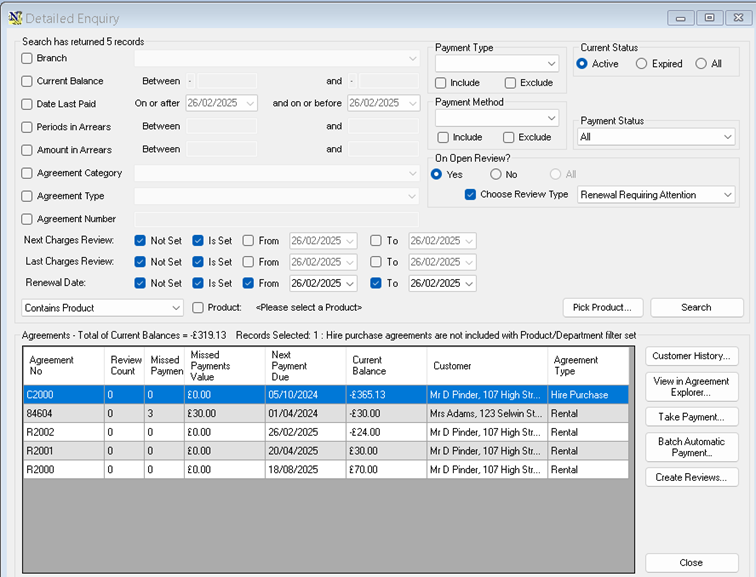
Agreements Detailed Enquiry
Finding Agreements in Review or Renewal
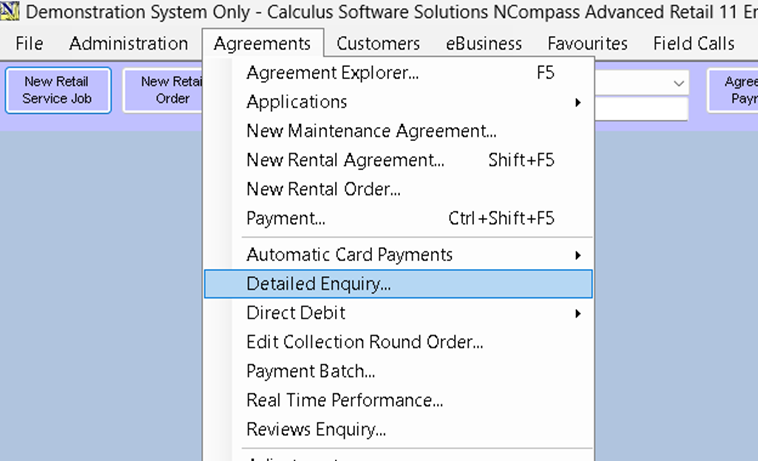
Filters
There are a range of filters available, including a new filter by renewal date.
Renewal Date Filters

- Not set – Include agreements with no renewal date set.
- Is set – Include agreements that have a renewal date set.
- From – Include only agreements from this date.
- To – Include only agreements before this date.
Filtering by Pending Reviews
You can also filter by agreements that have pending reviews:

- Check ‘Yes’.
- Select ‘Renewals Requiring Attention’ as the review type.
- Click ‘Search’.