Creating a Trade Account for a Customer
Overview
If a customer does not currently have a trade account on your website, you can create one through Ncompass. Once created, the customer will be able to access the website using their new login details.
Instructions
-
In Ncompass, go to Customers > Enquiry.
-
Find the relevant customer.
-
If the customer does not exist, create a new customer record first.
-
-
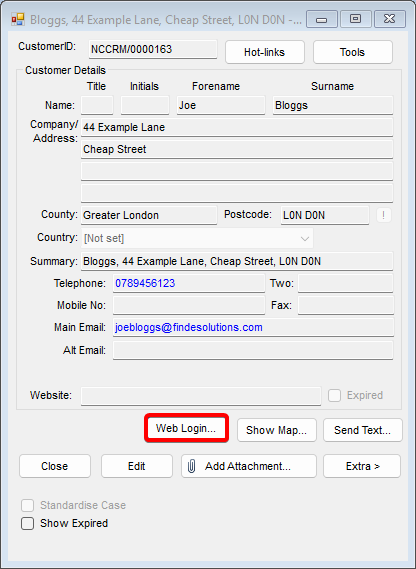
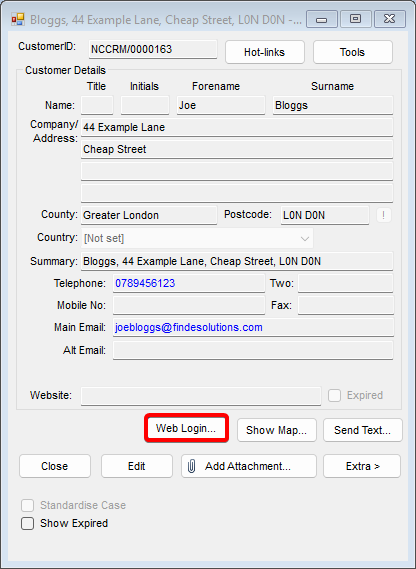
Select the Web Login button, as shown in the image below.
-
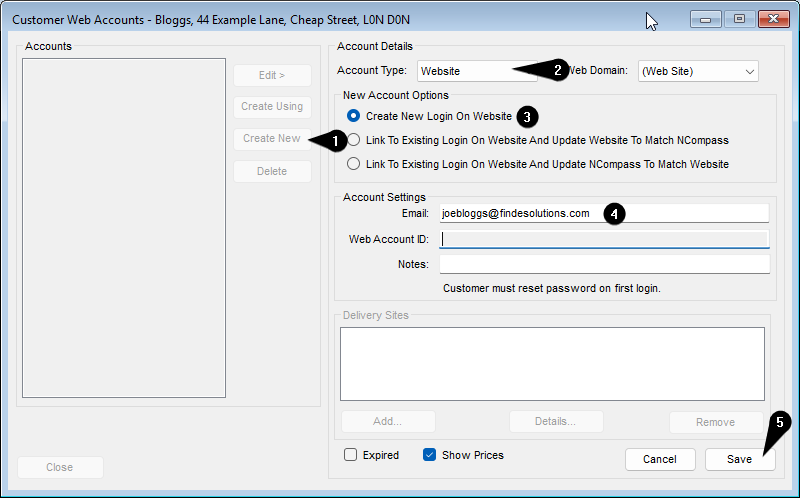
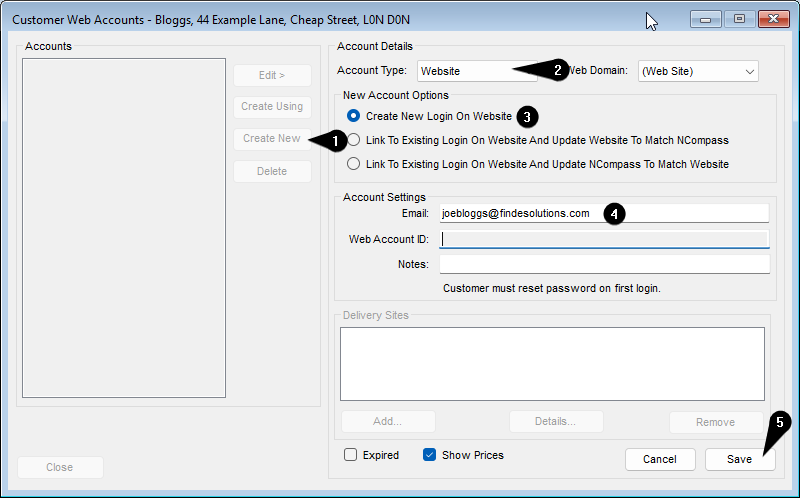
In the Customer Web Accounts window, click Create New.
-
Set Account Type to Website.
-
Under New Account Options, select Create New Login On Website.
-
Enter the customer’s email address.
-
Add a note if required for future reference. This is optional.
-
Click Save.
Result
The customer’s website account will be created automatically after you save the record, provided the website integration supports this functionality.