Updates, Queue, and Settings
Software version and What’s New
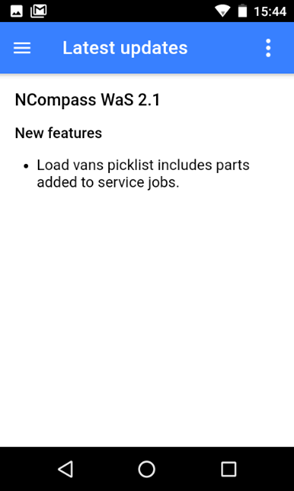
Select Latest Updates from the menu.
This will show you’re the current software version (major release Version, swipe from right to left to see incremental versions) and what’s been added in the last major release.
Check Upload Status
Select Upload queue from the menu.
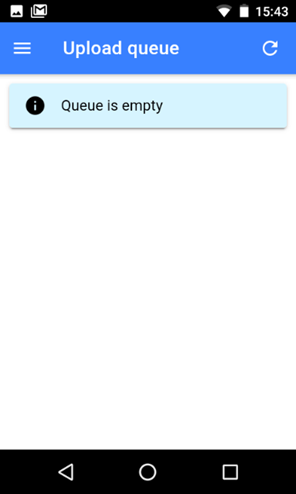
This option will let you see if there are any pending changes that have not been synced with your server.
Typically the queue will empty quite fast so normally it will show empty.
If your device loses network connectivity data may not sent to the server, the scanner stores the changes until the data network is reconnected.
You can manually remove items from the queue or force an update.
Settings