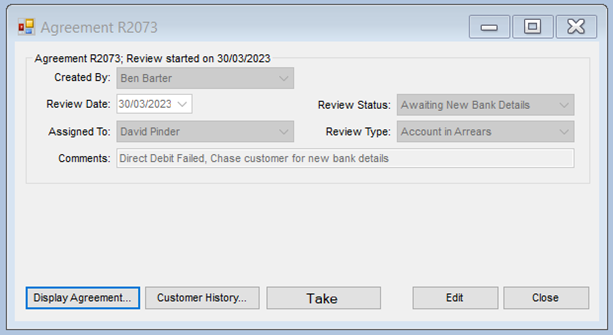
Processing The Review
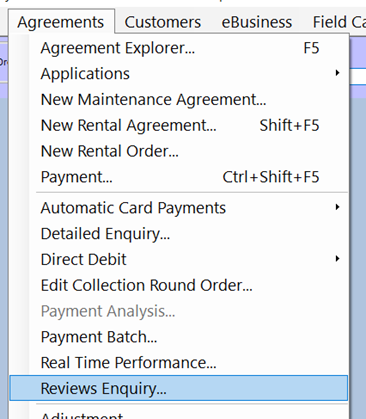
Review Enquiry
This will open the Review Enquiry window.
Default Enquiry Search Settings
The following defaults are normally set for the enquiry search:
- Reviews with an open status.
- Reviews that need actioning from today’s date.
- Reviews assigned to the signed-in operator.
You can check any required filters and select the available options from the drop-down lists.
Searching for Reviews
- Click the ‘Search’ button.
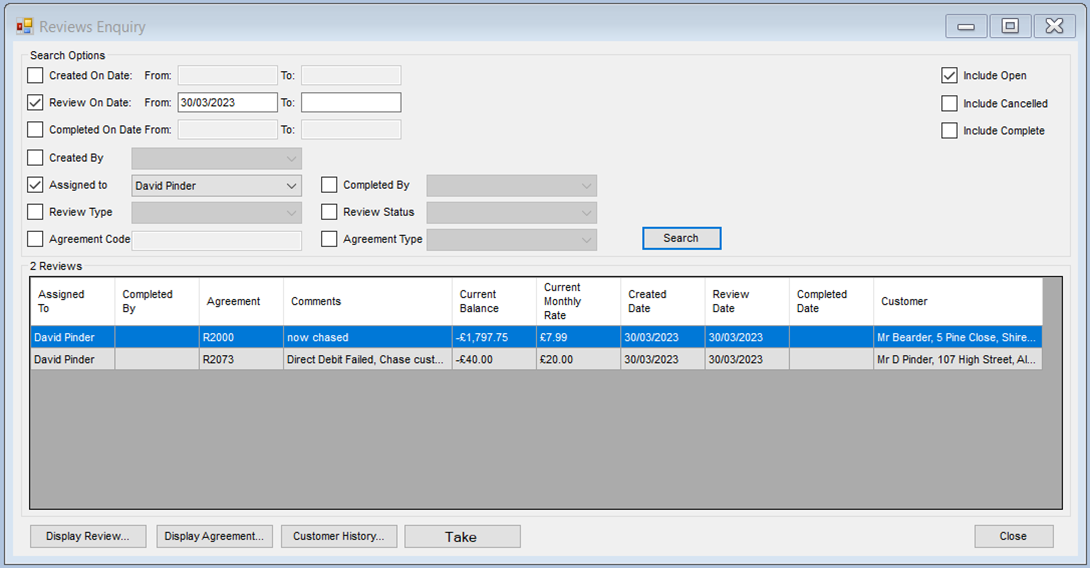
Button Options
- Display Review
- Display Agreement
- Customer History Notes
- Take Payments
Display Review
- Highlight the required review and click ‘Display Review’ (or you can double-click the entry you want).
This will open the review on screen.