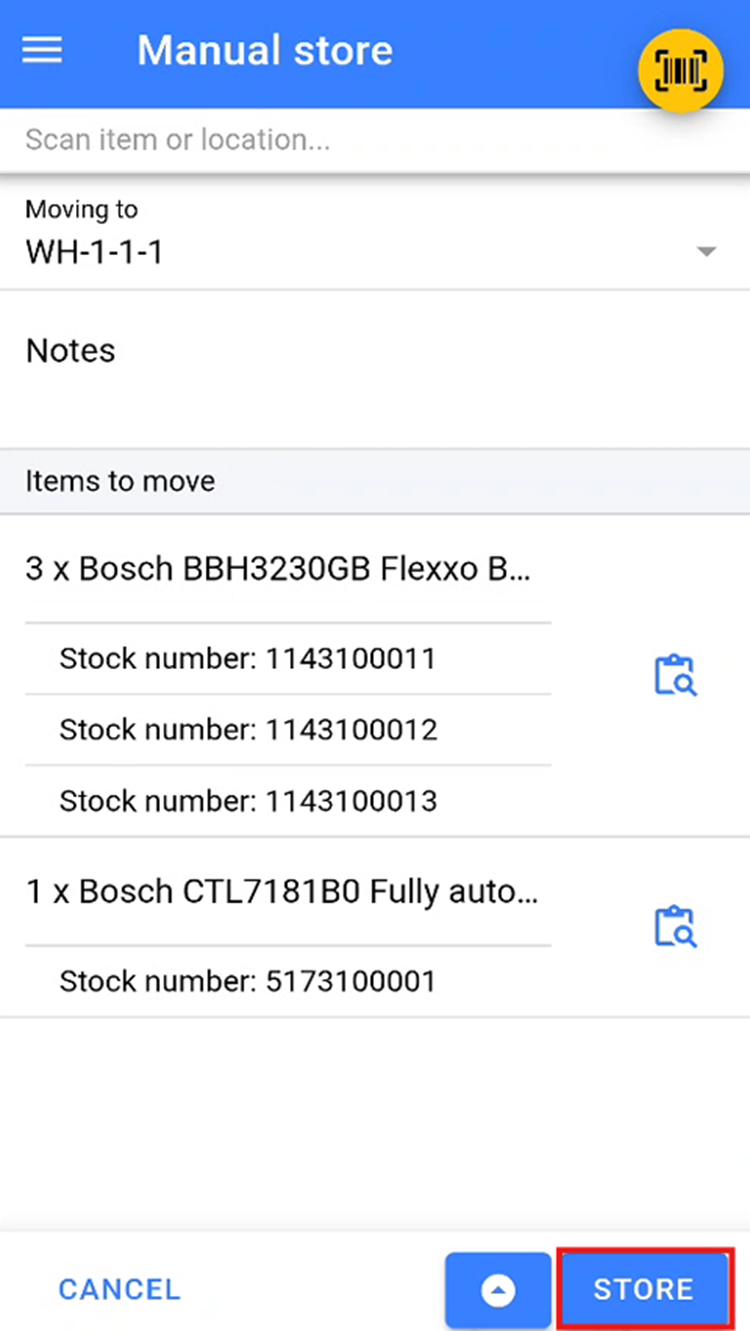
Manual Store
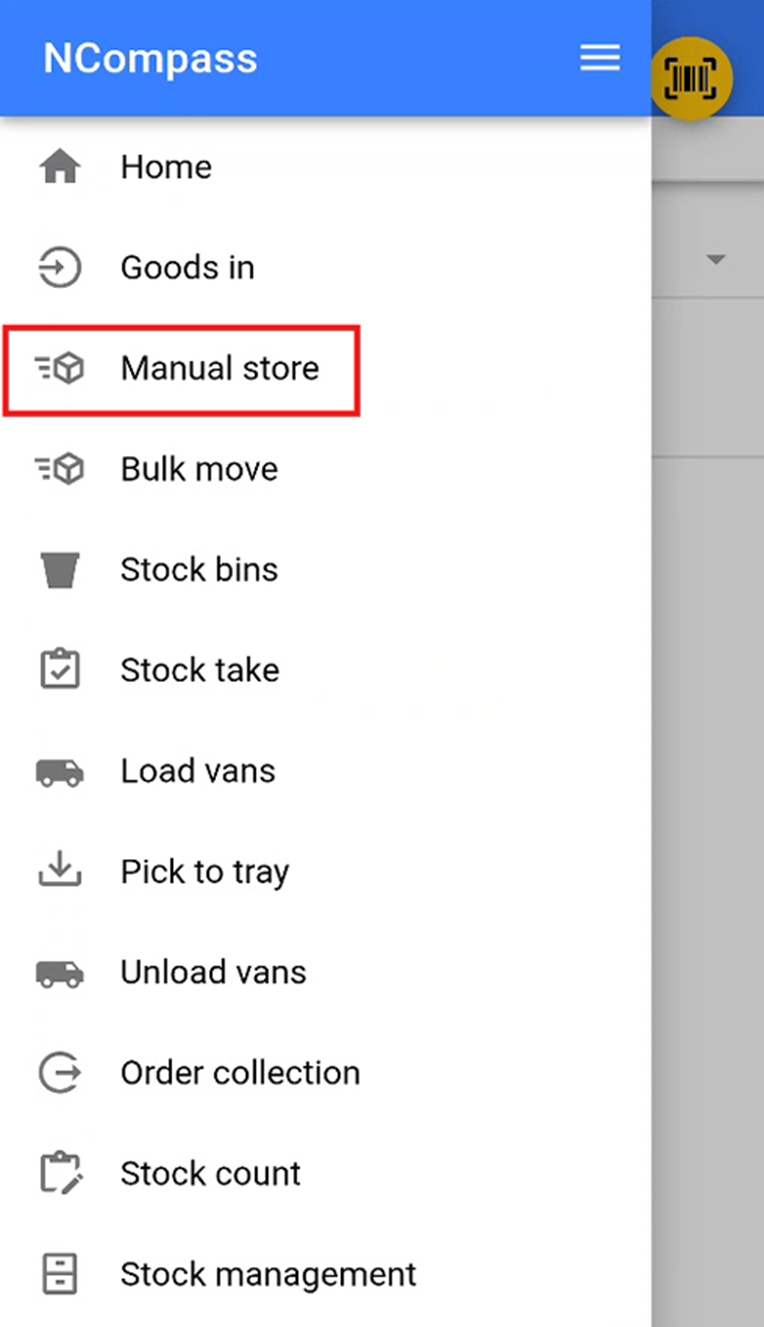
Accessing Manual Store
The Manual storeStore feature is used to store a specific stock numbers into a stock location.
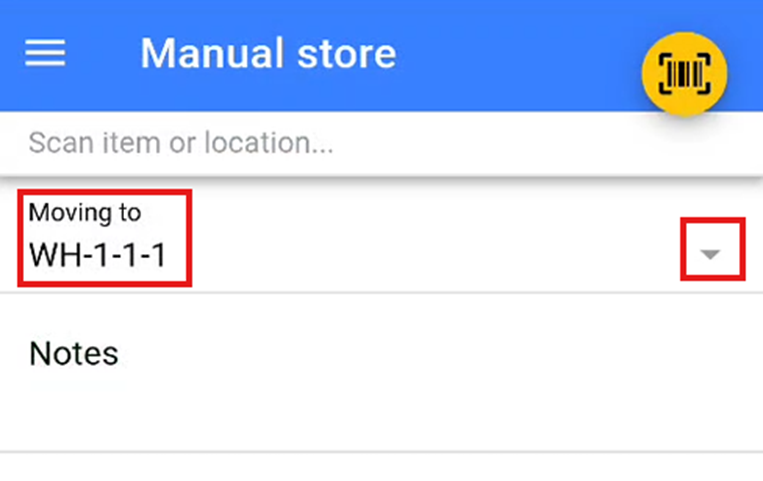
Selecting a Stock Location
YouSelect will now need to select athe stock location thatwhere you wish to store the stock. EitherYou can do this by scanningeither:
-
Scanning the stock location QR
/codeBarcodeor barcode provided, orselect -
Selecting a stock location from the dropdown list by pressing the small
'▽'.icon.
Storing Items
OnceScan youor have addedadd all theitems itemsthat you wish to store in the selected stock location,location.
Once all items have been added, click the storeStore button to move the items into this location.