Manual Store
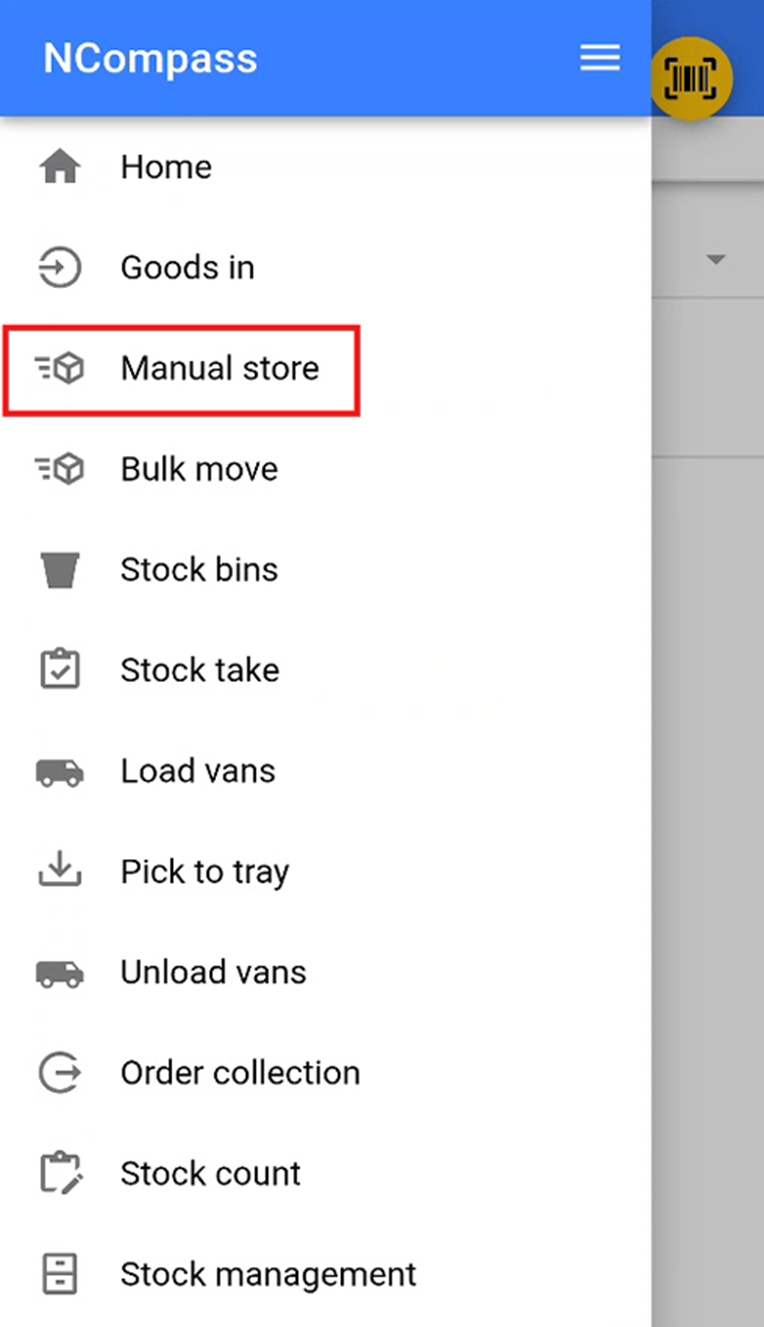
Accessing Manual Store
The Manual Store feature is used to store specific stock numbers into a stock location.
Selecting a Stock Location
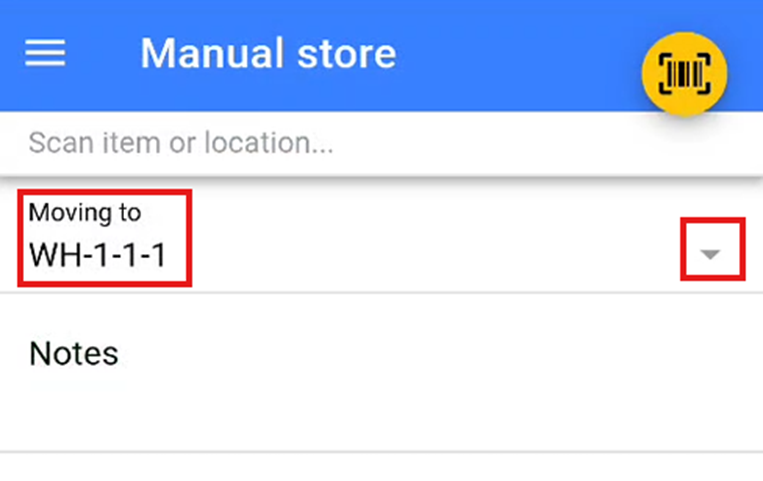
Select the stock location where you wish to store the stock. You can do this by either:
-
Scanning the stock location QR code or barcode provided, or
-
Selecting a stock location from the dropdown list by pressing the small ▽ icon.
Storing Items
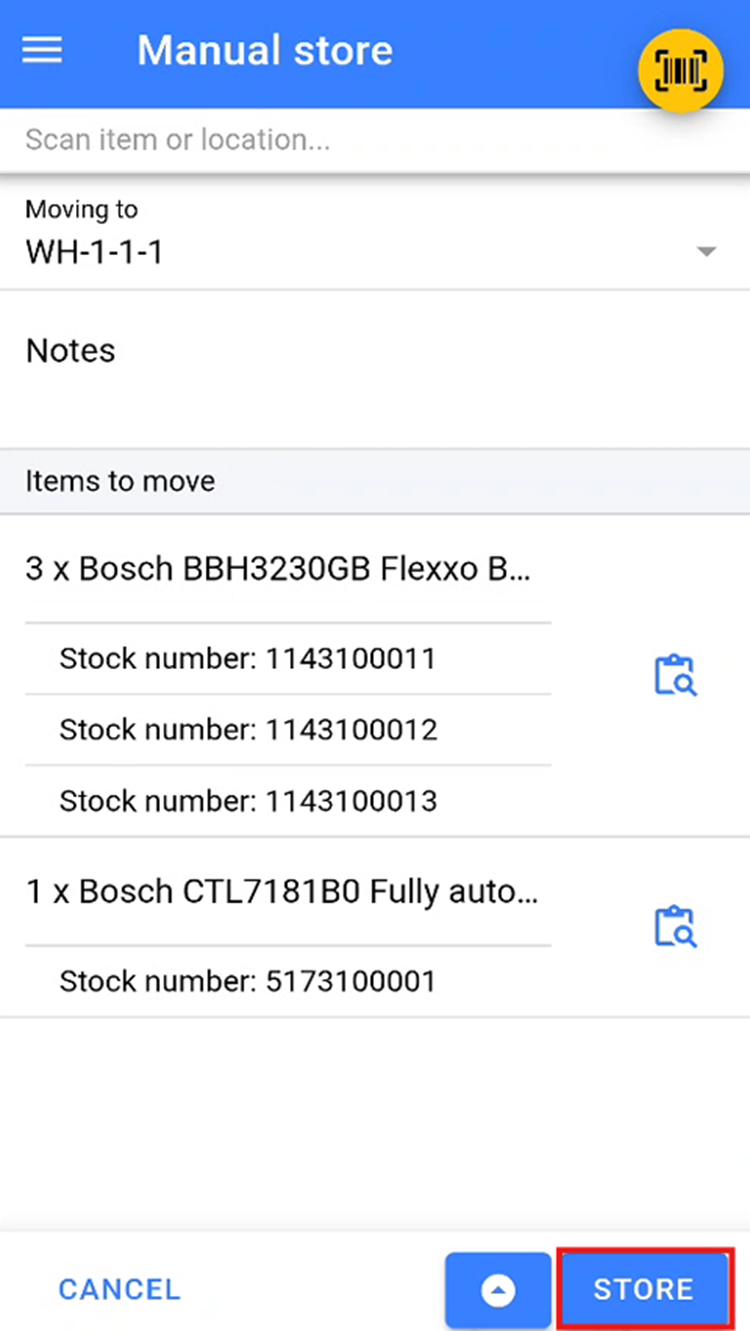
Scan or add all items that you wish to store in the selected stock location.
Once all items have been added, click the Store button to move the items into this location.