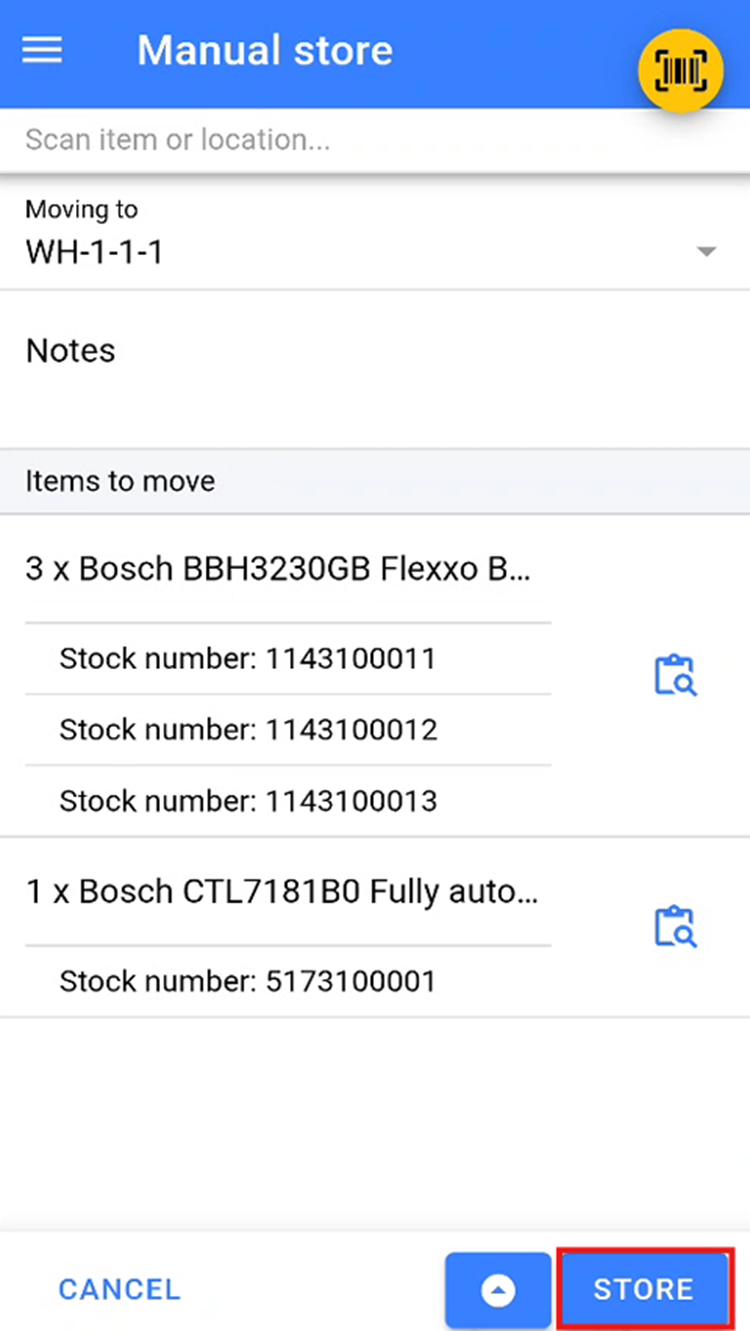
Manual Store
Accessing Manual Store
The Manual store feature is used to store a specific stock numbers into a stock location.
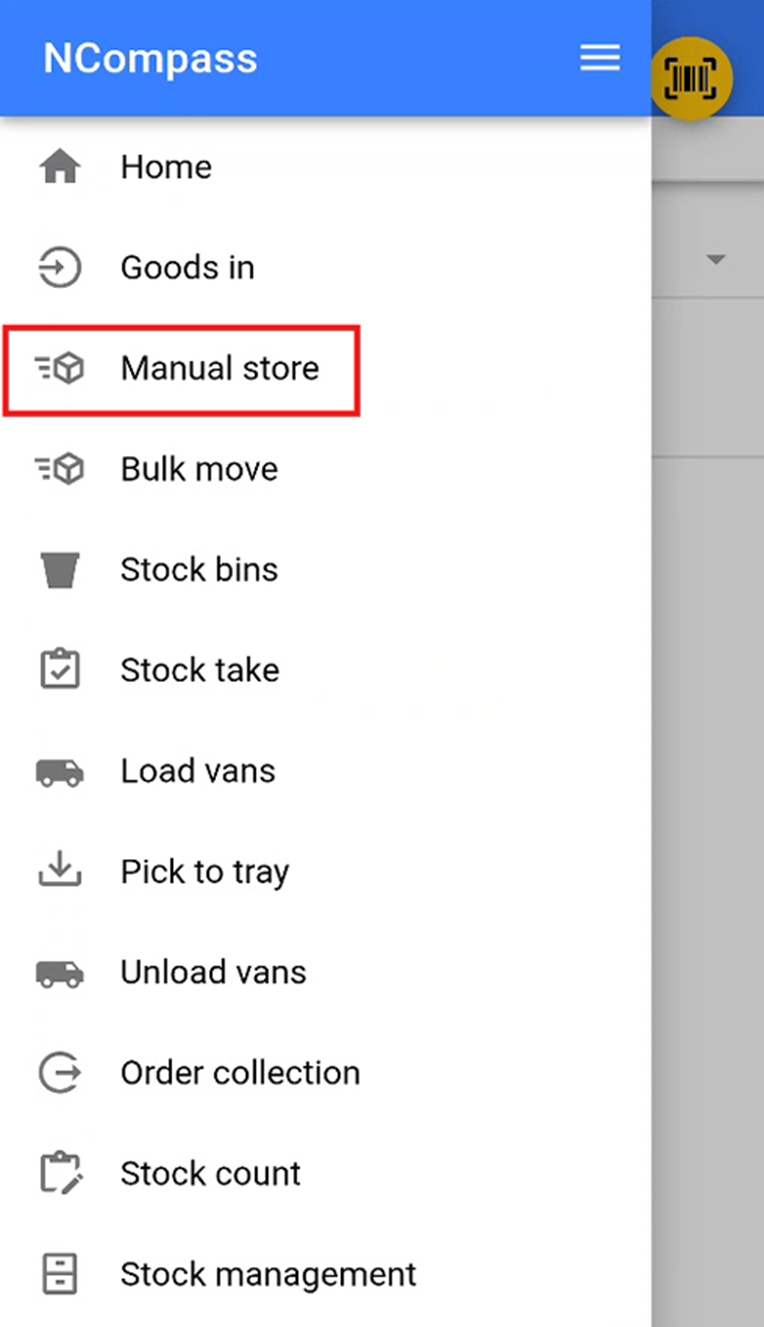
You will then need to select the manual store section.
Selecting a Stock Location
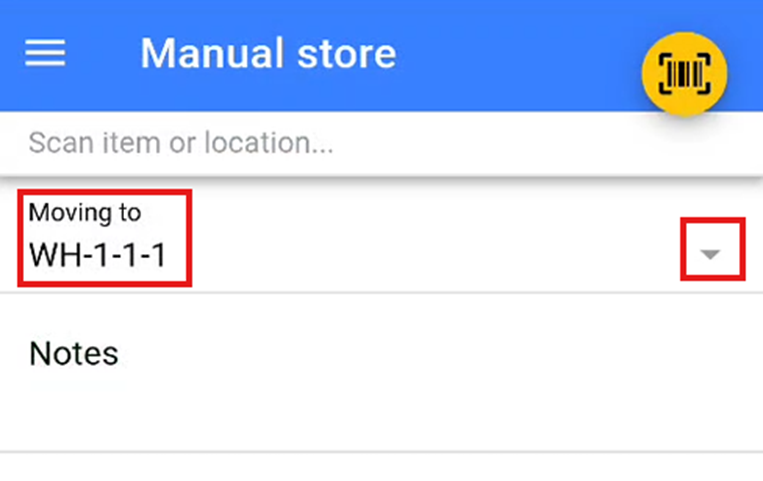
You will now need to select a stock location that you wish to store the stock. Either do this by scanning a stock location QR / Barcode provided, or select a stock location from the dropdown by pressing the small '▽'.
Storing Items
Once you have added all the items you wish to store in the stock location, click the store button to move the items into this location.