Manual Store
Accessing Manual Store
The Manual store feature is used to store a specific stock numbers into a stock location.
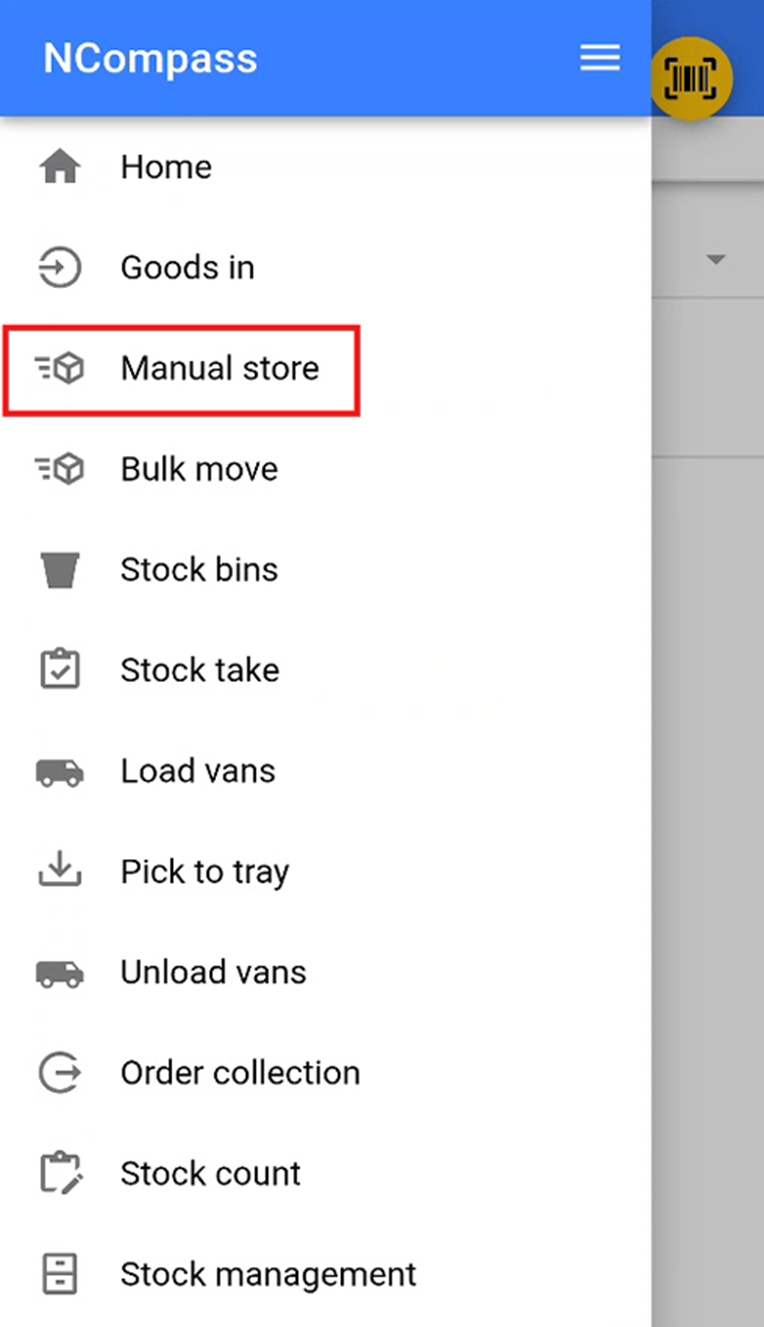
You will then need to select the manual store section.
Selecting a Stock Location
You will now need to select a stock location that you wish to store the stock