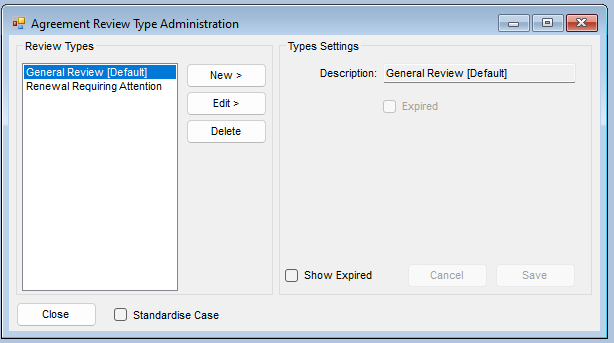
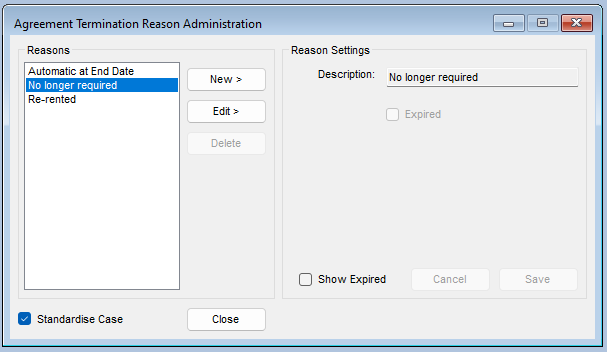
Administration settings
There are a range of Administration options and settings, these can be accessed, from the :-
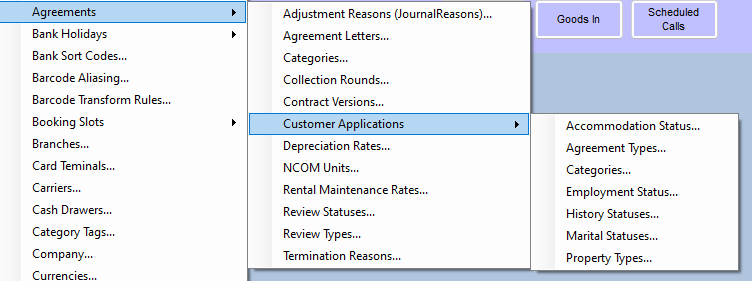
Administration > Agreements
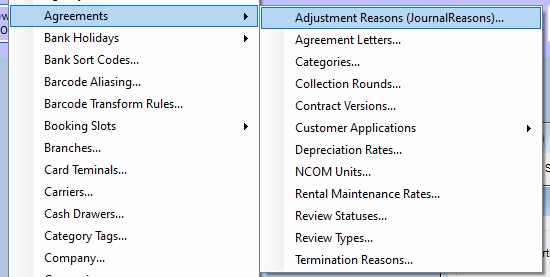
Adjustment (Journal) Reasons
Administration > Agreements > Adjustment Reasons
Here you can set up a range of reasons for selecting when making Journal entries
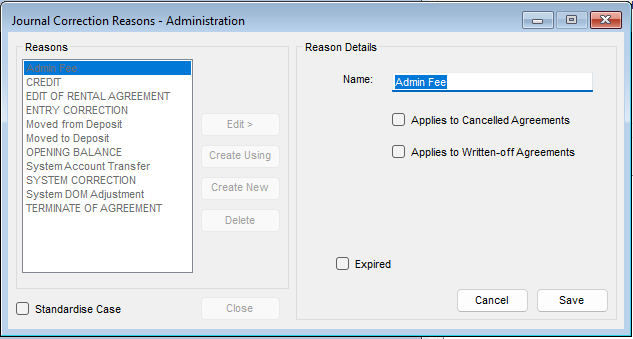
There will be a range of defaults already setup, these can be edited if required, but they are global, so if they have already been used, it's better to make them as expired and setup a new reason
There are two options that can be added
Applies to Cancelled agreements - this Reason is only available on cancelled agreements
Applies to Written off agreements - this Reason is only available on written off agreements
- Highlight and click 'Edit' to amend an existing Reason
- Click 'Create New' to add a new Reason
- Highlight and click 'Create Using' to generate a new reason, copying the setting from your highlighted choice
- Delete- this will delete the highlighted entry, note some entries in the reason list are system locked, you may also be blocked from deleting a reason that has already been used
Agreement Letters
Administration > Agreements > Agreement Letters
Here you can setup system letters, these are triggered in some parts of the agreement system, Note, this is the bridge between the Agreement system and the output types, normally you will not need to amend anything here, please speak to our support team if you recure help
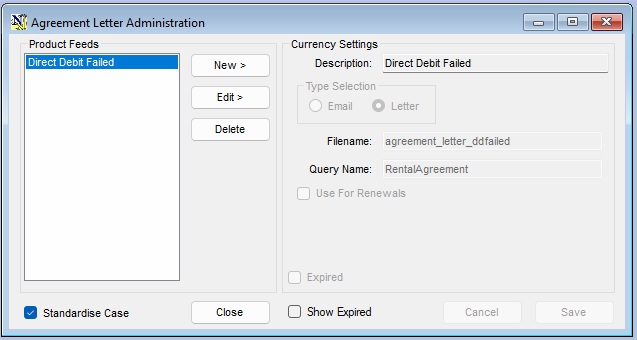
You can setup letters as Email or File (crystal Reports format)
- Highlight and click 'Edit' to amend an existing letter
- Click 'Create New' to add a new letter
- Delete- this will delete the highlighted entry, note some entries in the Letter list are system locked, you may also be blocked from deleting a Letter that has already been used
Select if the letter is Email or file, if its email, you will be asked to select a preset email for the list, please see your main Administration guide on setting up email templates
xxxxxxxxxxxxxxxx