# Commission and SPIV’s
# Sales Commisions and Spiv's
**Overview **
NCompass Advanced Retail can track and calculate sales commission, this can be based on a percentage of the sale value, or a percentage of the profit on a sale, you can also add Spivs to products
NCompass will calculate the total commission and Spiv’s for any given period, point of commission is when the sale is invoiced.
There is a configuration to claw back commission if a sale is cancelled, by default the commission will not be taken back if the sale is older than 90 days
Note: Commission is not earned on sundry item sales
**Configuration **
CONFIG: ‘Refund Commission for Refunds Up to Days’ Default 90days
CONFIG: ‘Default Commission Multiplier for Product’ Default x 1
CONFIG: ‘Apply Spiv’s to Discounted Items ‘ Default No
CONFIG: ‘Include Margin Support in Commission Calculation’ Default No
**Setting up Salesperson Commission **
Administration > Salesperson / Engineers > Edit
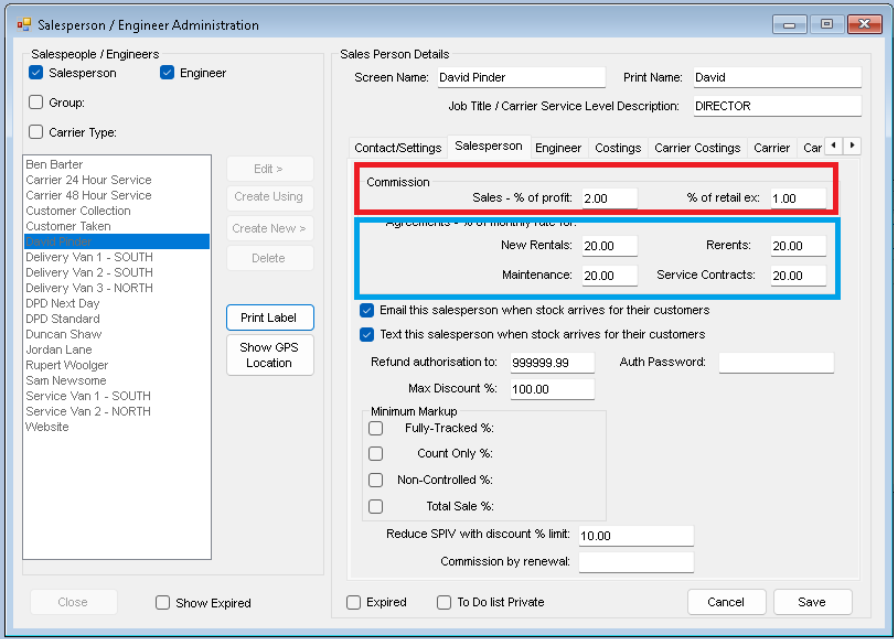
On this screen you can set up the commissions for product sales and agreements
**Product Sales **
You can enter a percentage of the profit on the sale, calculated at the time the sale is invoiced, Or a percentage of the total of the sale

This option will apply globally to all sales, it will reduce the amount of the spiv based on the percentage show here
Example
Item has a price of £1000.00 and a £10.00 spiv, the Spiv is earned when the item is sold at full price
If this option is set (along with config ‘Apply Spiv’s to Discounted Items’=yes) then
Item sold at full Price, Spiv would be £10
Item is sold at £950.00 (5% off) the spiv would be £5.00
Item sold at £900.00 or less, no spiv is earned
**Agreements **
You can also set the commission percentage for the first agreement payment (excludes HP which is handled by the sales commission)
**Setting up Product commission **
Product commission is automatically set with a default commission of X1
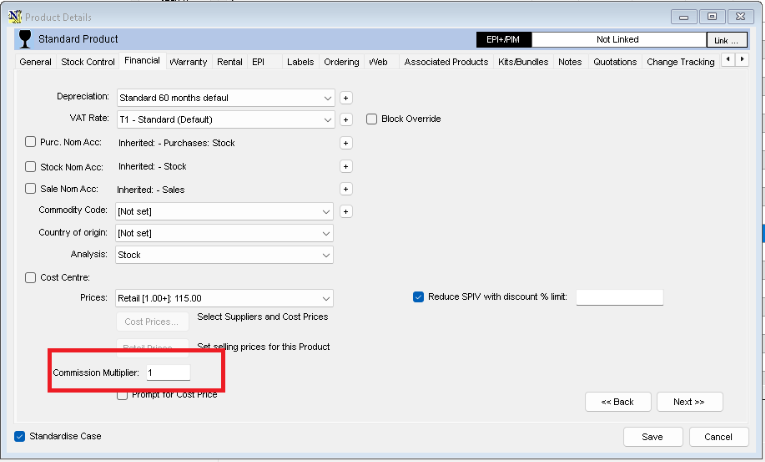
You can change the commission for any individual products for example, if you enter 2 in the commission multiplier or 2 the salesperson would get double commission, this can be useful for higher profit, lower value items, like connecting leads and accessories
**Setting up the Spiv **
On the product info > Financial > Retail Prices
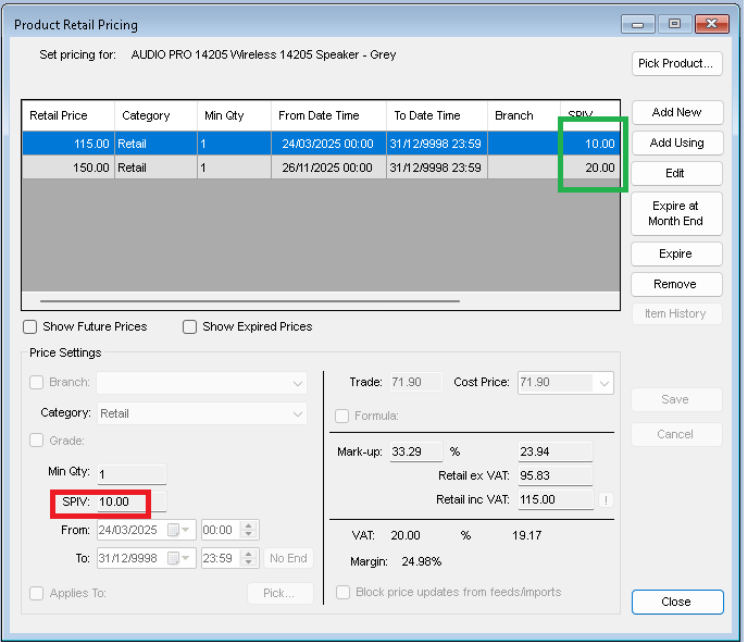
Spivs are connected to retail prices, this way if the preset price is not used the spiv is not earned, it also means you can have different preset prices with different spiv’s
You can edit an existing price to add the spiv’s or generate a new price with a spiv
**Extended warranty Spiv’s **
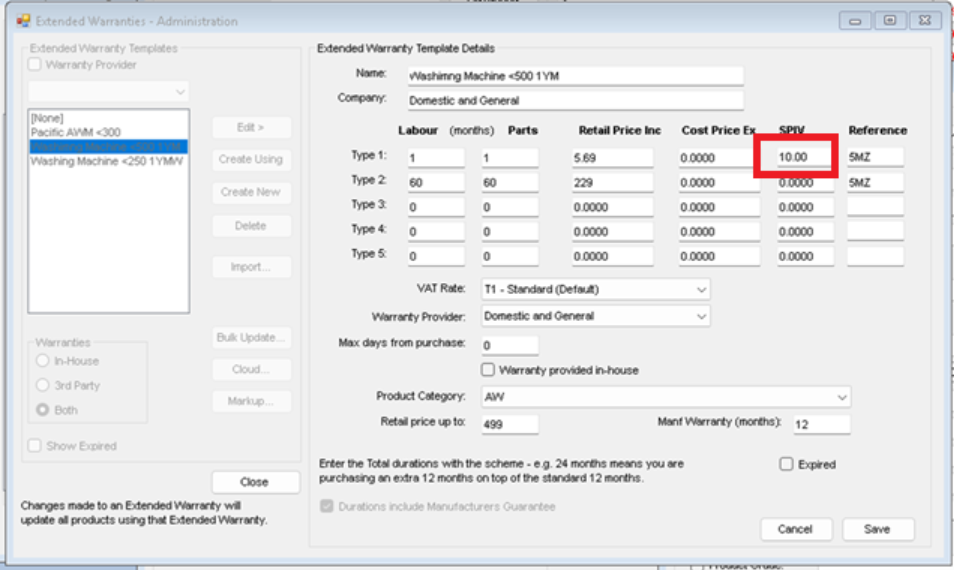
Extended warranty sales are not included in the normal commission system, but you can have spiv’s
Administration > Extended Warranties > Templates
**Reducing Spiv’s **
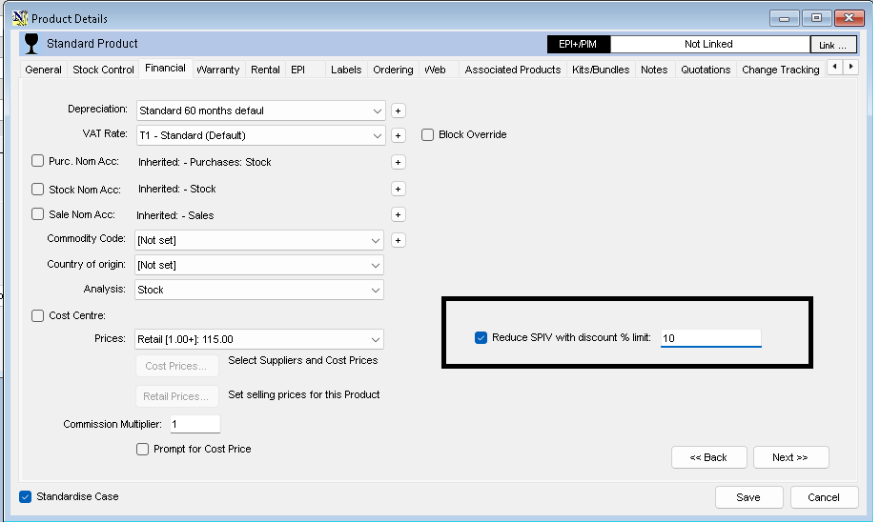
If you do not want to set the ‘Reduce Spiv with Percentage Discount’ on a salesperson level, you can do it at product level
**Commission examples **
A sale of £100 with a £30 Profit, Commission is set to 1% turnover, Commission =£1
A sale of £100 with a £30 Profit, Commission is set to 1% Profit, Commission = 30p
If both options set commission is combined at £1.30
**Spiv Examples**
A sale of £100 with a £10 spiv, not discounted = full spiv earned and commission if set
A sale of £100 with a £10 spiv, sold at £95 with a 10% spiv limit, sold with a 5% discount which is half the 10% spiv so only £5 spiv earned, and commission if set
A sale of £100 with a £10 spiv, sold at £97.50 with a 10% spiv limit, sold with a 2.5% discount, £7.50 Spiv earned, and commission if set
**Reporting**
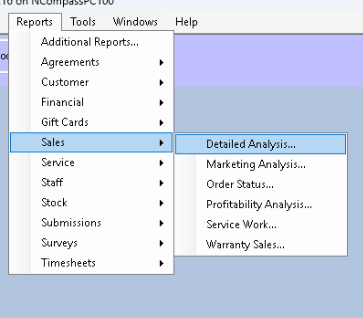
Reports > Sales > detailed Analysis
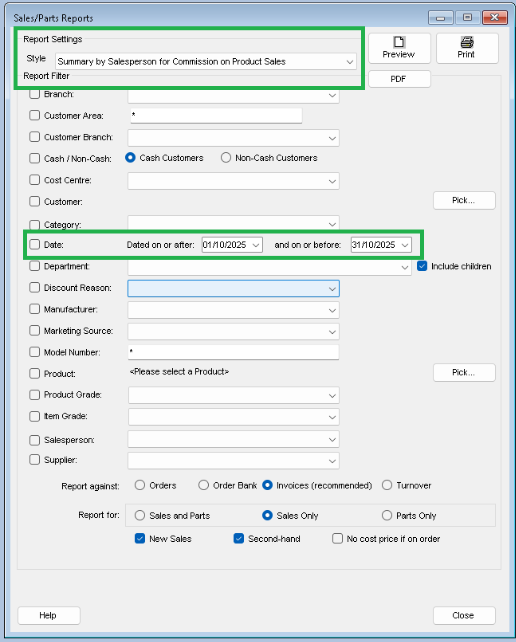
Styles
‘Summary by salesperson for commission on Product Sales’
‘Detailed by salesperson for commission on Product Sales’
The normal filters such as date range, branch etc can be applied
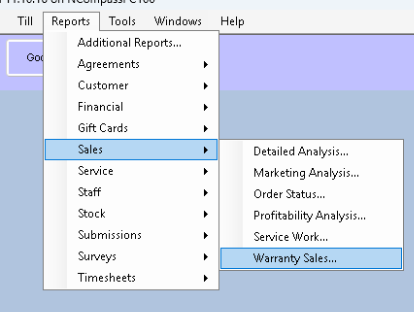
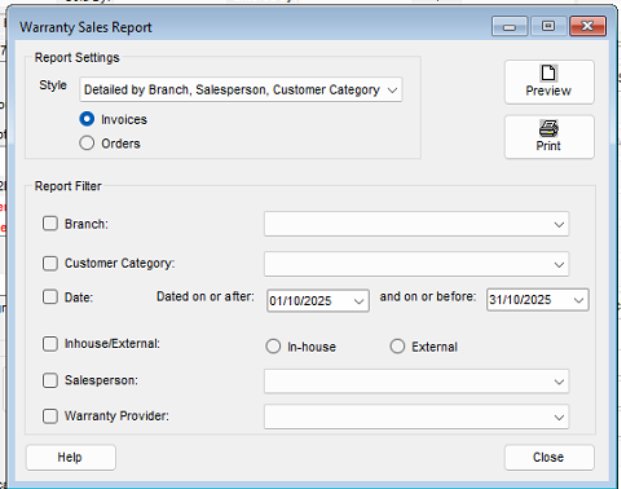
Reports > Sales Warranty Sales